
Let us know a few details about what you'll be running on your Minecraft server, and we can help you pick out the perfect Minecraft hosting plan.
Hosting a Minecraft server with mod packs should be simple, reliable, and enjoyable. That's why our service combines powerful technology with easy management tools. With our one-click installer, you can access thousands of popular modpacks from CurseForge, FTB, ATLauncher, Technic and Modrinth. Whether you want to jump into a ready-made pack or upload your own files, you have complete control over your server setup.
Our servers are powered by enterprise-grade hardware, including AMD Ryzen™ 9 9900X processors, DDR4 & DDR5 memory, and NVMe storage. This ensures smooth gameplay even with the largest modpacks. You can choose a Budget plan for smaller groups or a Premium server for communities running heavier modpacks—the performance is always optimised to suit your needs.
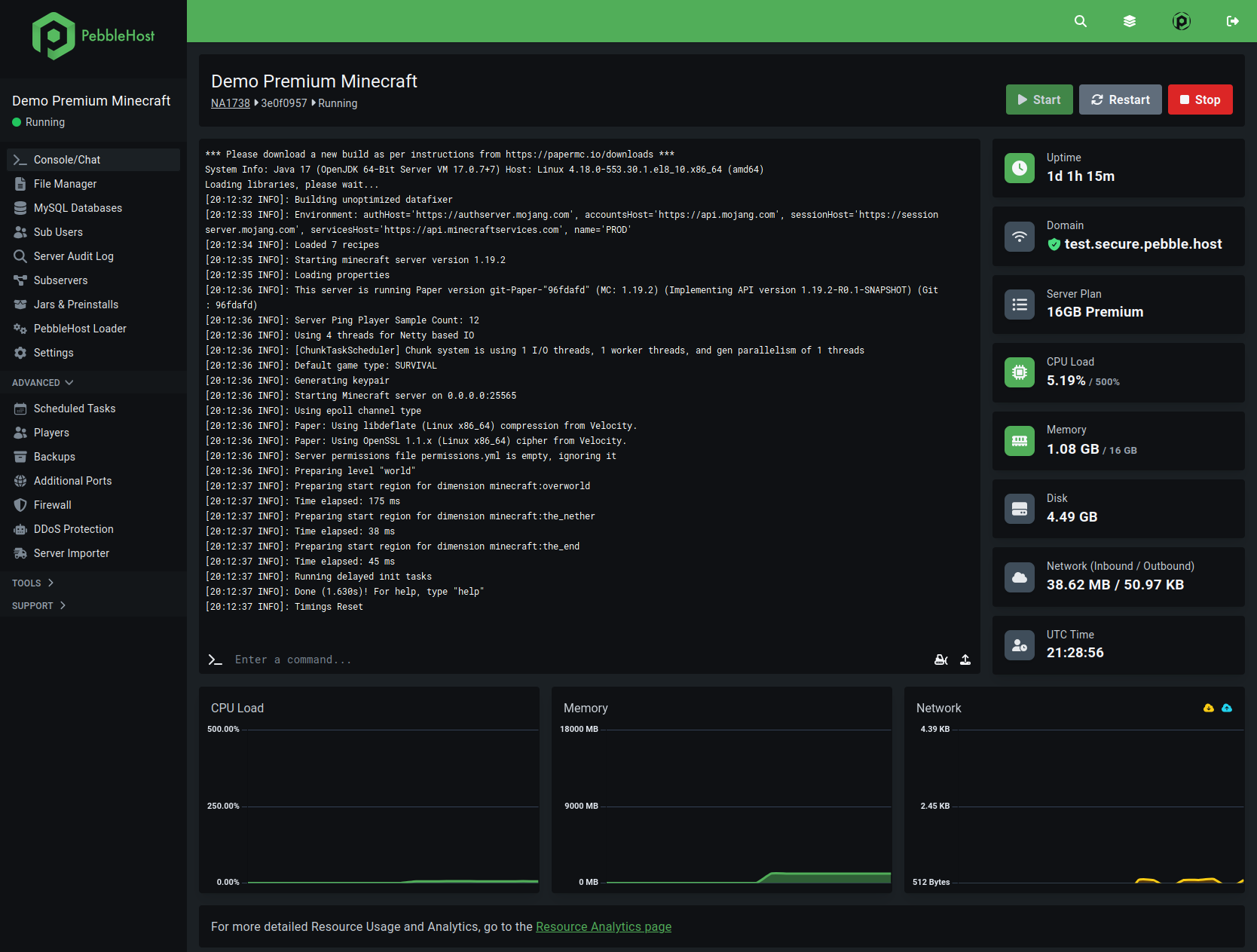
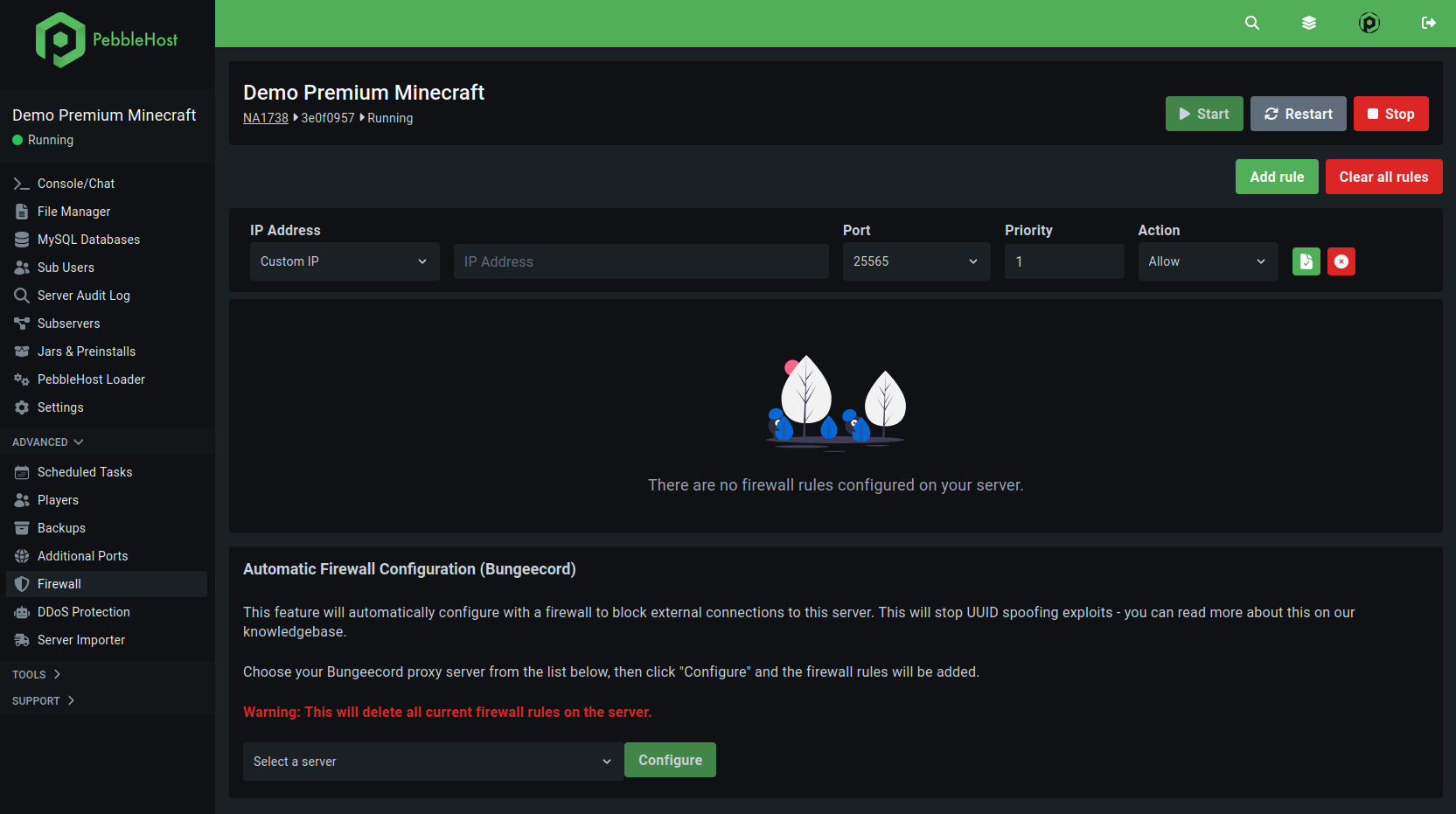
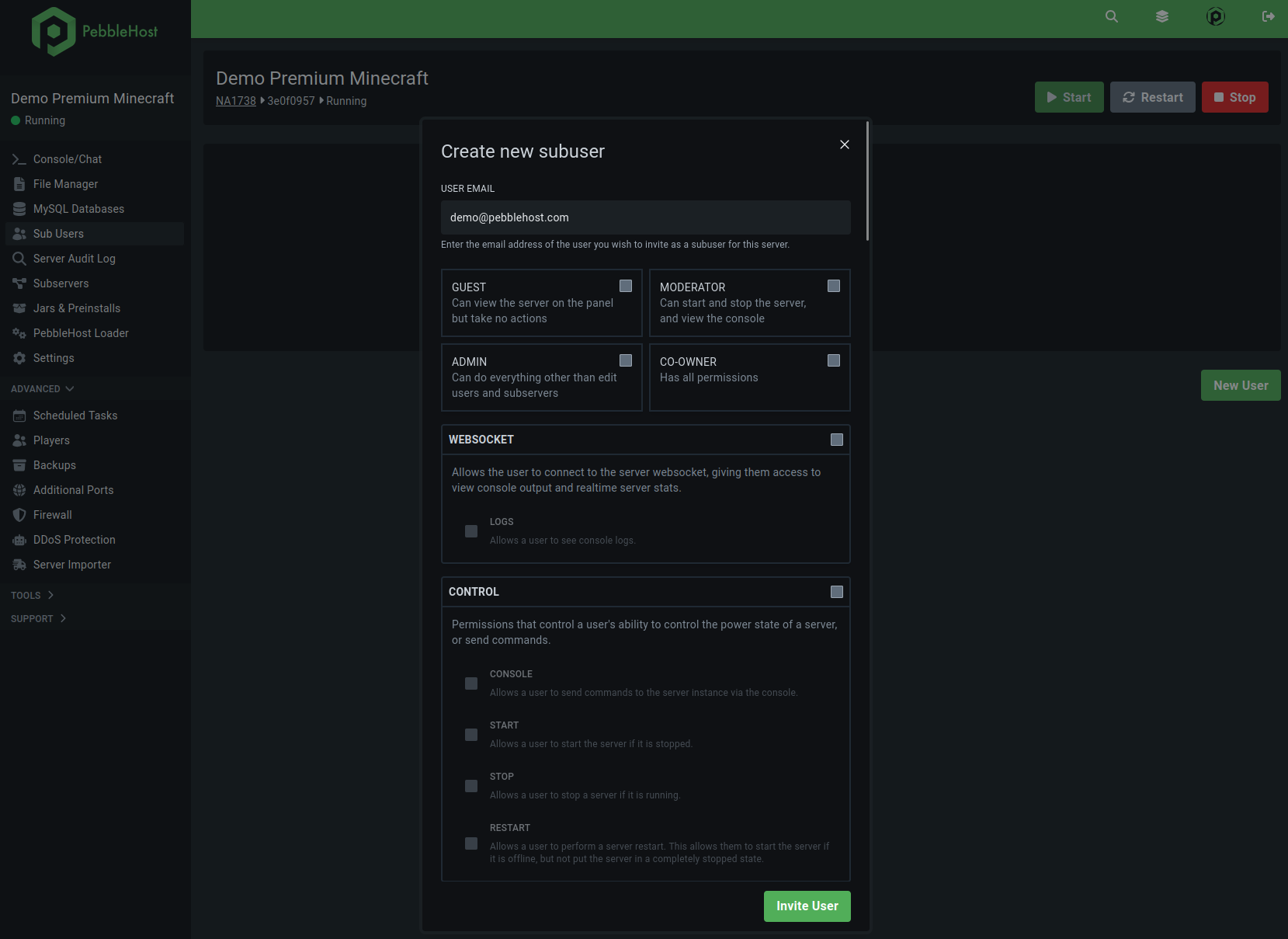
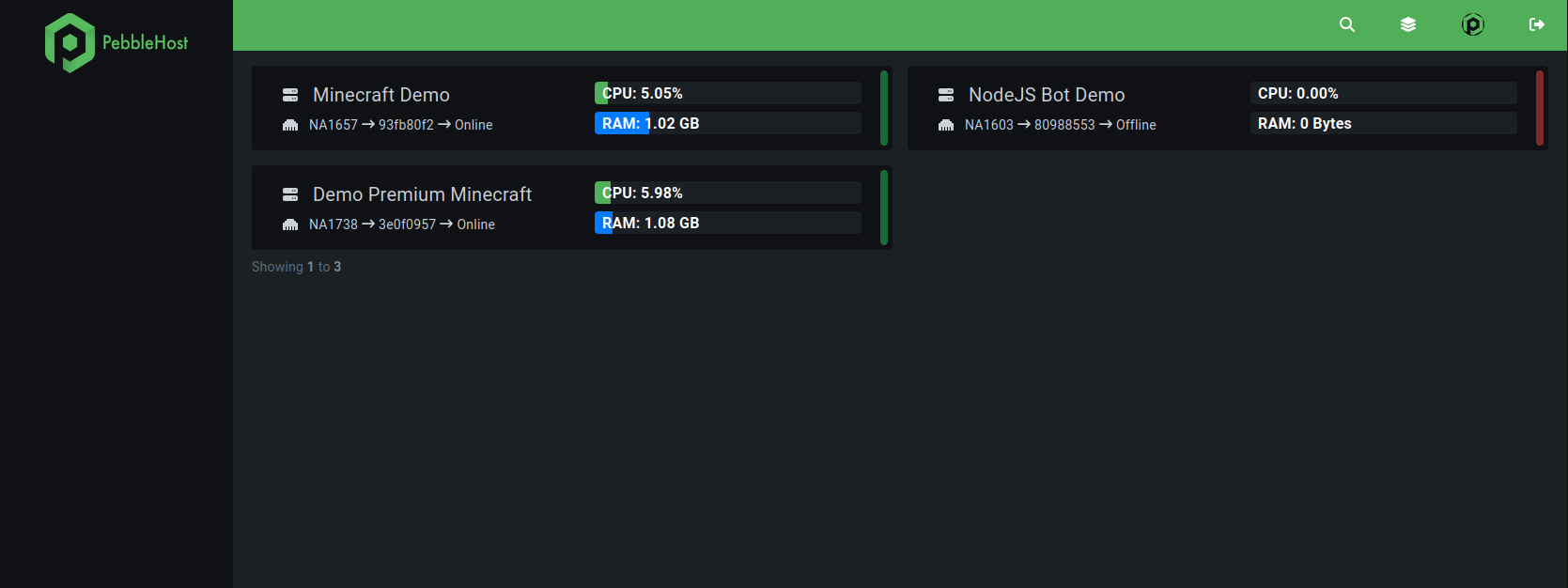
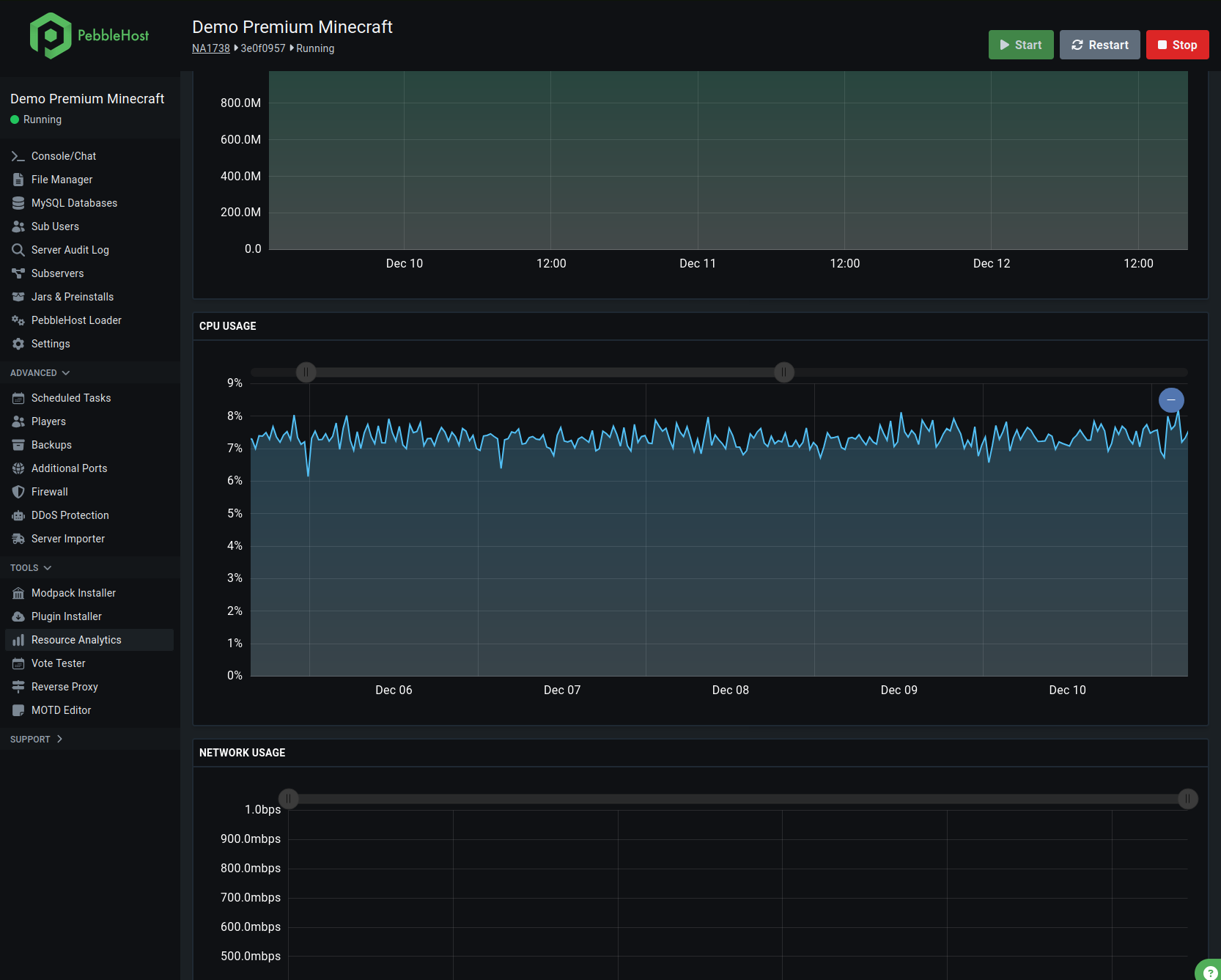
Our custom control panel makes server management straightforward, with access to the console, file system, firewall options, sub-user controls, and scheduled tasks, all protected with two-factor authentication.
Take a look at our live demo control panel
PebbleHost now supports any modpack with our modpack installer.
Our system automatically handles client-side mod filtering and builds directly from source, giving you unlimited compatibility with modpacks from CurseForge, FTB, Modrinth and more.
Select any modpack from any platform or build your own custom configuration
Our system automatically filters client-side mods and builds a server pack for you.
Your server is ready to play within minutes with optimal settings and the modpack of your choce!
Getting started couldn't be easier. First, pick the hosting plan that matches your requirements, whether you're running a small, private world or a large community server. Next, use the one-click installer to select a modpack from thousands of options, or upload your own custom files if you prefer. Within minutes, your modded Minecraft server will be live, complete with automated backups, powerful security, and full optimisation tools. From there, it's as simple as inviting your friends with your server address or free subdomain and diving straight into your modded adventure.
A Minecraft server with mod packs opens up limitless possibilities beyond vanilla gameplay. Popular packs such as All the Mods, SkyFactory, and RL Craft allow you to explore entirely new mechanics, worlds, and challenges. Whether you're building complex machinery, exploring space, or surviving harsh environments, modpacks transform the way you experience Minecraft. Hosting your own server ensures you have full control, so you can tailor the experience for your friends, your community, or your own creative vision.
Security, stability, and support are at the heart of our hosting. Every Minecraft server with mod packs comes with up to 800 Gbps of DDoS protection, automated backups, and safe rollbacks for when you switch between modpacks. Our custom control panel makes server management straightforward, with access to the console, file system, firewall options, sub-user controls, and scheduled tasks, all protected with two-factor authentication.
Support is available 24/7 through Discord, so whenever you have a question, you'll get fast and friendly help. To give you extra reassurance, every plan includes a 72-Hour money-back guarantee.
If you own your own domain from a Domain Registrar such as Namecheap or Google Domains, you can set it up by following our guide on setting up DNS records.
All servers have the ability to make a free subdomain ending in .my.pebble.host through their gamepanel.
Our Premium hosting uses the faster AMD Ryzen™ 9 9900X CPU, which means it's able to handle higher playercounts and more intensive servers than on Budget. The 5x faster NVMe SSDs improve chunk loading speeds, and the extra features such as free automatic backups and automatic one-click modpack installations allow peace of mind and save time setting up your server.
No, none of our services require port forwarding. The Minecraft server is hosted on our own computers in a datacenter so we handle all of the networking aspects for you. If you require an extra port to use for plugins such as Votifier or Dynmap this can be added in one click inside of our gamepanel
Our billing system instantly provisions orders as soon as the payment receives. This means that, as long as you use a payment method which works instantly such as PayPal Balance or Credit/Debit Card, you should receive the service within a few minutes.
It's possible the order details might go to your Spam folder so make sure to check that!
This means that you can use as much space as you need for your server as long as you follow our Fair Usage Policy which essentially states that any files on the server must be essential to the server's operation.
All PebbleHost services come with full access to all server files. This means you can upload any custom modpacks or JAR files you wish to use, through our gamepanel.
To use a custom JAR file, just select any version at purchase then inside of your gamepanel you will be able to choose the "Custom JAR" option.
Yes, all plans include a free MySQL Database which can be used with plugins such as LuckPerms, Dynmap, CoreProtect, Litebans etc. Additional databases are charged at $1/database/month and can be enabled in your gamepanel under the "MySQL Database" page.
We operate in a number of datacenters around the world for the best possible ping. Note that locations marked Premium are only available on Premium plans.
Yes, you have full access to your server files. You can upload custom modpacks through our control panel whenever you like.
Some of the most popular choices include All the Mods, SkyFactory, RL Craft, Galacticraft, and Feed The Beast packs. With thousands available through one-click installation, you'll never run out of new worlds to explore.
Dedicated servers offer significantly more power and flexibility. You'll benefit from faster hardware, stronger protection, and the ability to fully customise your environment. This means smoother gameplay, support for bigger modpacks, and better reliability for communities that need consistent uptime.
The amount of RAM you need depends on the size and complexity of the modpack, as well as the number of players. Smaller packs may run well with 4GB, while larger packs or big communities may require 8GB or more.
Not at all. Our custom control panel makes server management simple, even for beginners. You can install modpacks in one click, monitor performance, set up scheduled tasks, and manage files without technical expertise.
Yes, you can change modpacks whenever you like. With automated backups and rollback options, it's safe and straightforward to try new packs without losing progress.
While modpacks can be enjoyed in single-player, hosting a Minecraft server with mod packs lets you share the experience with friends or a community. Multiplayer makes mods more enjoyable, whether you're tackling survival challenges or building advanced systems together.
Our servers are hosted in multiple global locations, including the UK, Europe, North America, Asia, and Australia. This ensures low-latency connections wherever your players are based.
With high-performance hardware, simple modpack installation, and round-the-clock support, creating a Minecraft server with mod packs has never been easier. Whether you're playing casually with friends or running a large modded community, our hosting gives you the tools and reliability to bring your world to life. Choose your plan today and start building your Minecraft adventure.