
We can assist you in selecting the best Minecraft hosting package for your RLCraft server if you provide us with some information about the applications you intend to run on your server.
RLCraft is one of the most demanding modpacks released for Minecraft. As one of the most power-hungry of all the hundreds of Minecraft modpacks in existence, an advanced word generation system, heavy mob spawning rates, and continuously running background processes can overwhelm any standard Minecraft host. Lag spikes, TPS drops, chunks not loading fast enough, and server crashes become incredibly common on a machine not running well-suited hardware. Users frequently mention CPU, RAM, fast storage, and stable infrastructure when discussing how to best host RLCraft.
PebbleHost RLCraft Server Hosting is specifically built for demanding modpacks that put a much greater strain on a server than basic vanilla gameplay, whether the server will be used for a private world for a small group of friends or an enormous community server. Our infrastructure provides lag-free, low-latency, and uptime-rich performance for one of the most taxing modpacks available.
An RLCraft server is completely different than hosting vanilla Minecraft. An advanced word generation system coupled with a massive population of creatures with complex AI, along with rapid chunks generating as players move, will demand the full resources of a server.
The features a user often looks for on a hosting company website, from high-end CPUs, SSD/NVMe storage, 1-click installs for modpacks, automatic backups, DDoS protection, to a worldwide global server data centre, stem from players wanting to find reliable hosting for them modded experiences.
PebbleHost includes all these necessary elements, along with an infrastructure designed for the ultimate in stability and performance. Everything from quick server setup to simple modpack management, allows it to be simple for those just starting out, yet robust for expert users.
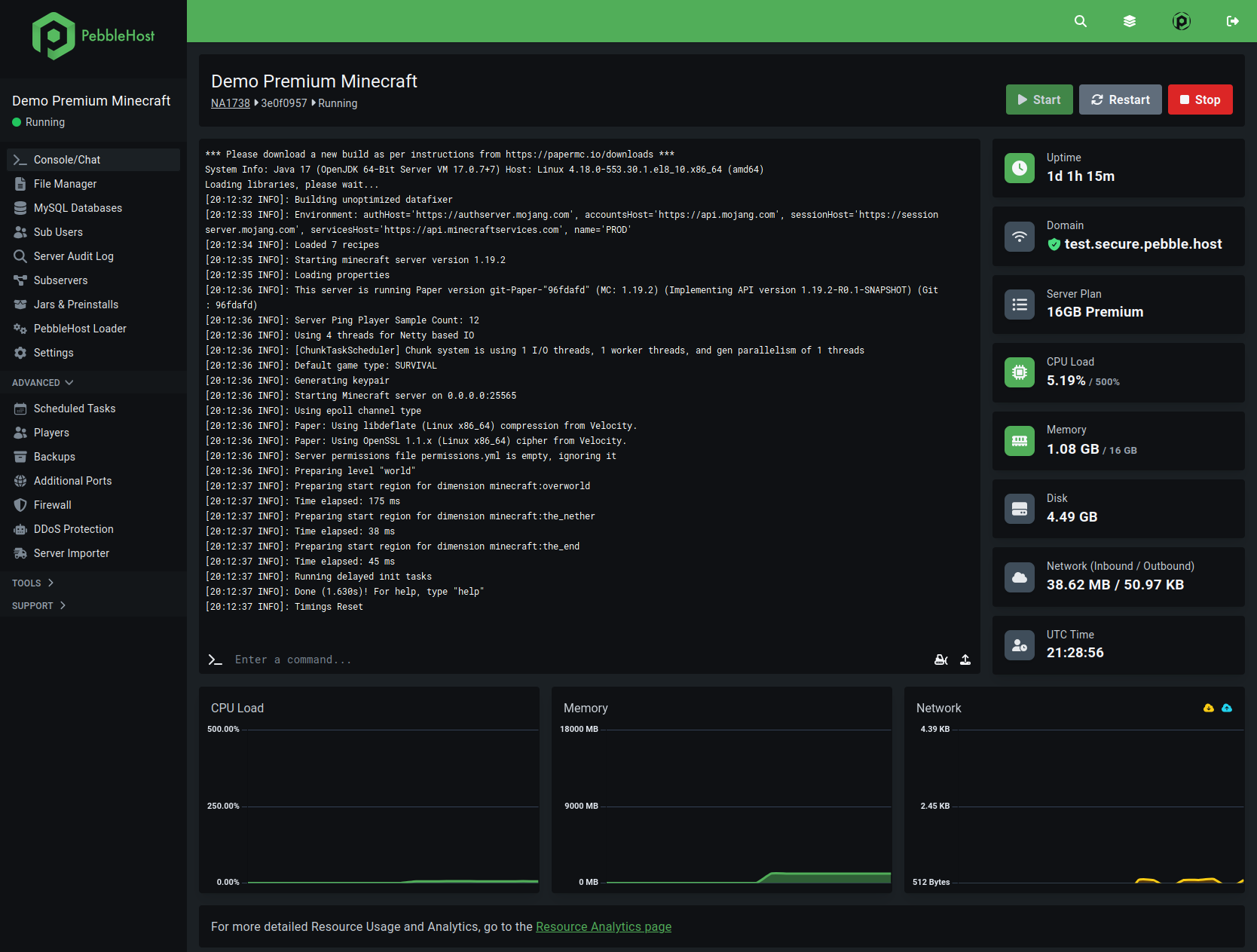
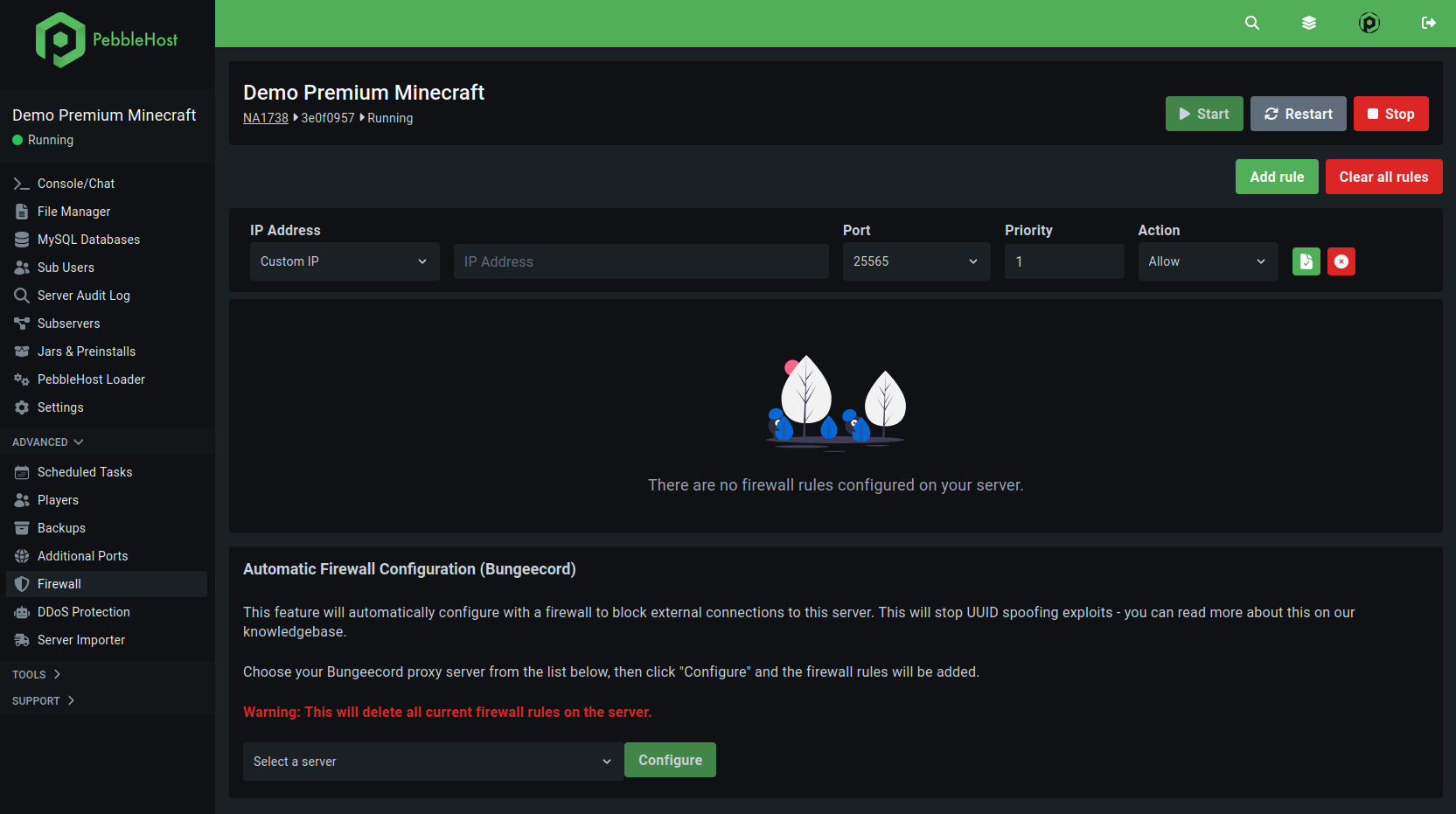
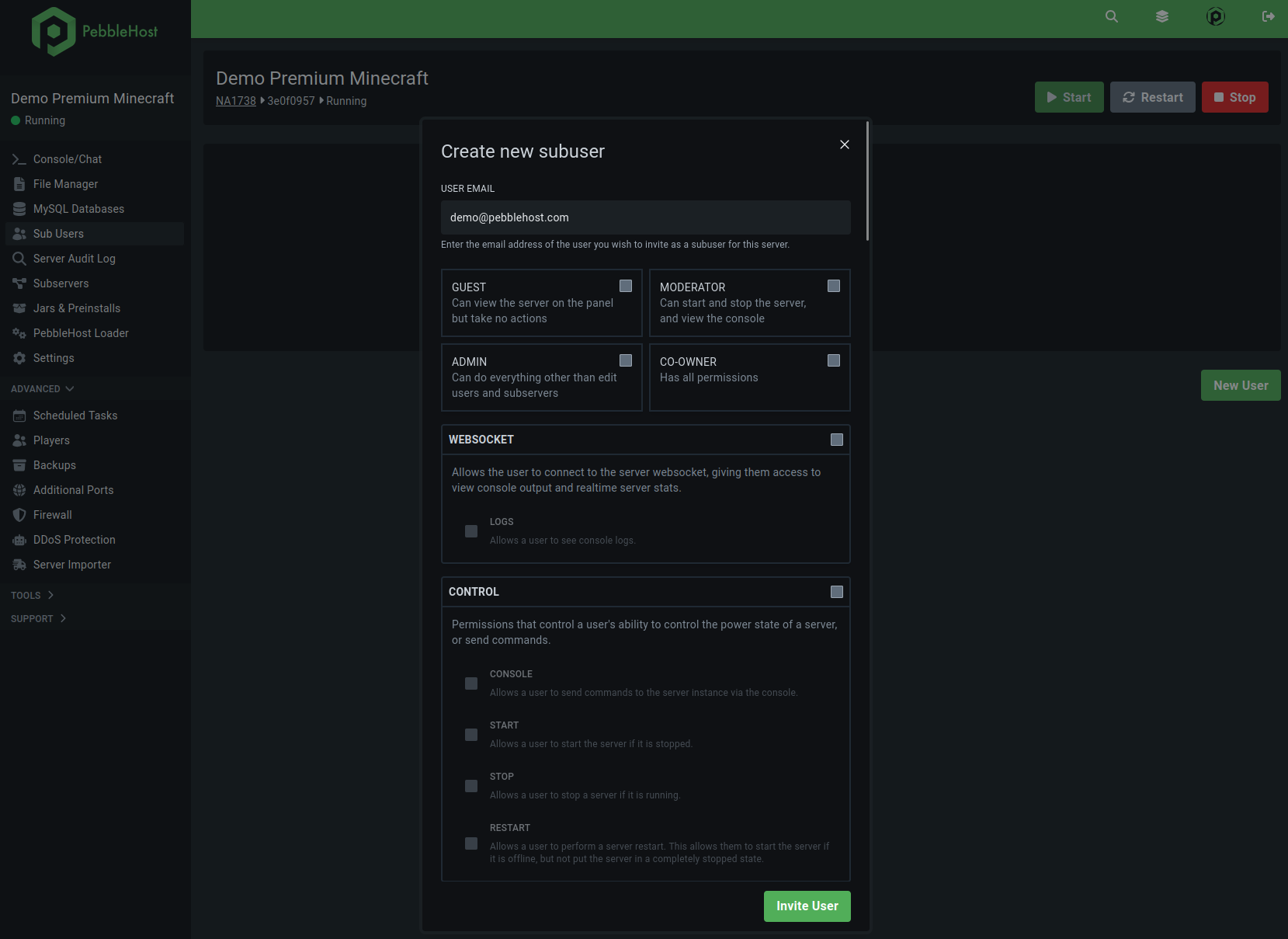
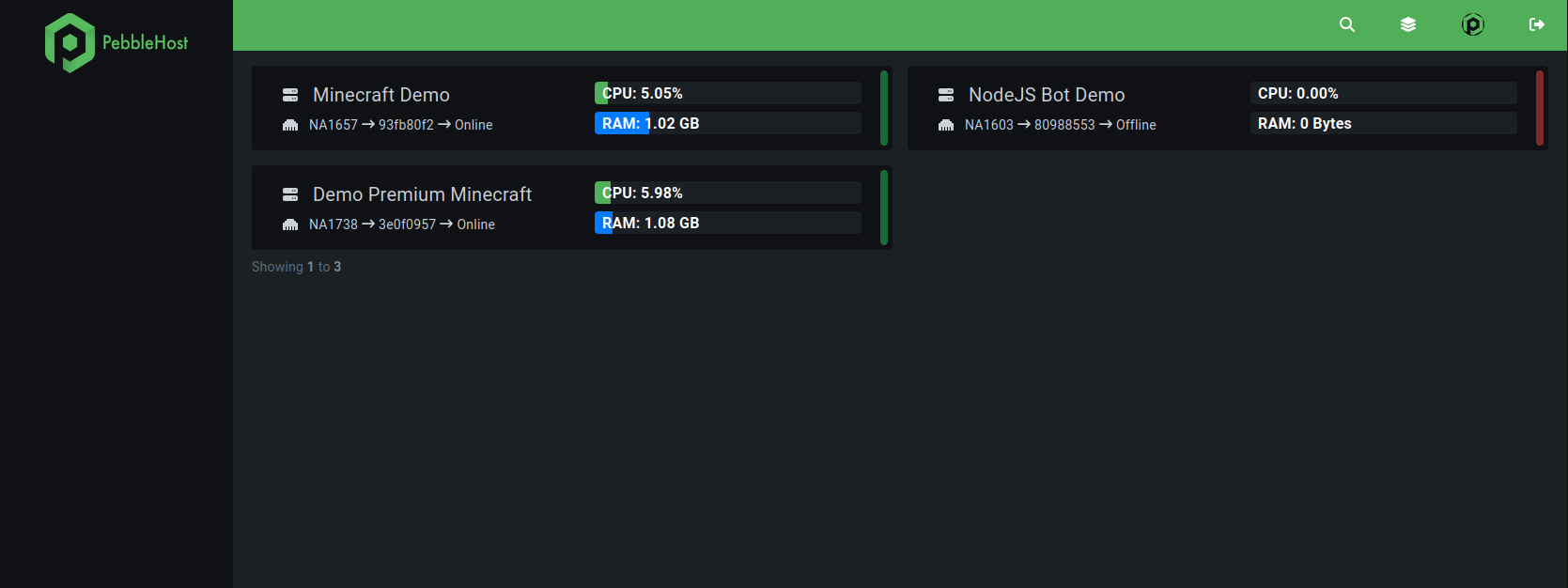
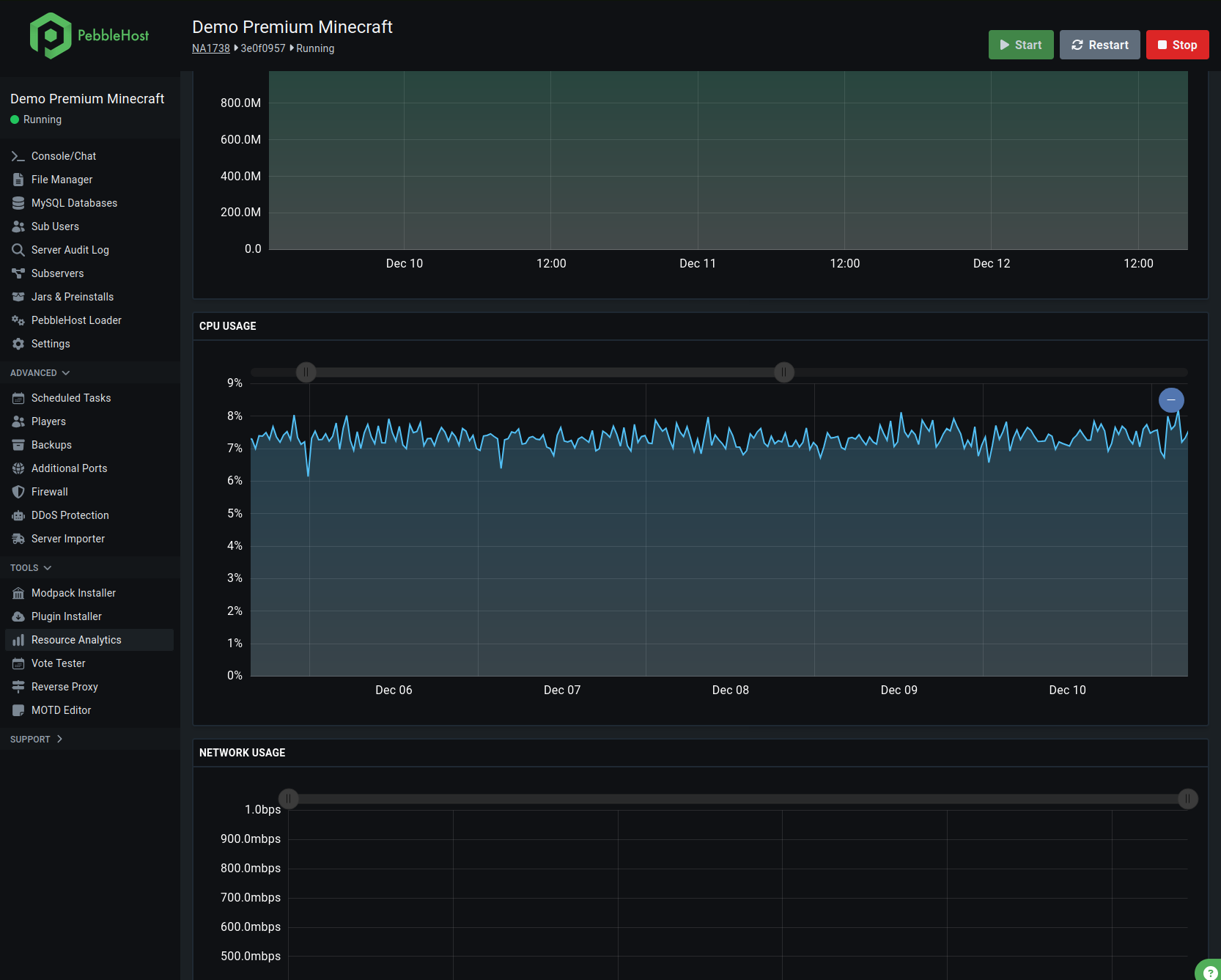
Our control panel, designed for stability and user-friendliness for the optimal server hosting experience, is compatible with all of our RLCraft Minecraft server hosting options.
Take a look at our live demo control panel
RLCraft takes Minecraft a long step beyond the vanilla game. There’s an entire system for the survival game mechanics, improved world generation, dynamically created structures, a whole cast of dragons, dungeons, and many entities in action at any time. Because of this, the server’s physical specs matter quite a bit more in RLCraft servers than they ever did for standard Minecraft ones.
At PebbleHost, our servers utilise the same high-performance, business-class hardware used in typical gaming servers to provide you with the power you’ll need to comfortably run a modded instance of Minecraft. Their fast processors keep TPS stable during intense gameplay and combat and their NVMe SSDs dramatically decrease chunk loading times, world generation, and server boot time to make exploring the vast worlds as smooth as possible with friends!
Many players that run RLCraft servers quickly find that cheap hosting will quickly begin to falter due to too little RAM and over-saturated CPUs.
It’s been found through common discussion in the community that anywhere between 6-8 GB of RAM is typically a good starting point for smaller, modded Minecraft servers such as those running RLCraft. We make it so you can focus on playing the game without worrying about a struggling server.
Whether you plan on running a small server for just your friends, or you're looking to build a larger public RLCraft community, PebbleHost has got you covered with scalable resources that can grow with your player count without the need for painful migrations or painful downtime.
Not only can installing RLCraft manually become problematic due to an inability to configure Forge settings, startup arguments, server files, or dependency setup, but perhaps one of the greatest competitive advantages among the most efficient hosting providers available is single-click deployment, often referred to as "one-click installers." Launch an RLCraft server quickly. One-click installers enable players who know nothing of Forge settings, server file structure, startup arguments, or dependency installation to set up an RLCraft server in just a few moments without issues, as the mod pack is installed easily via an intuitive control panel with no modification whatsoever being needed for you to start playing with your friends. For more experienced server owners, a full file-based access is granted to users to enable custom configuration of mods, plugins, worlds, and the configuration and optimisation of your server environment with virtually no restrictions, giving you complete control over your Minecraft server.
High latency can dramatically decrease the gameplay experience in RLCraft. Combat becomes laggy and unresponsive, chunk loading is slowed, mobs interact with the player slowly and unreliably, and movement is sluggish, even simple steps becoming difficult at extreme pings. This is why top Minecraft hosting companies focus on global server locations as reducing the distance between the players and their server will increase the quality of the gameplay.
PebbleHost have several server locations which will allow the player to connect to their network and achieve the lowest pings and best stability. If you and your friends are situated in either North America, Europe, or one of the other regions across the world, selecting the server closest to yourself should ensure that you experience minimal latency.
A stable connection will be highly crucial in RLCraft due to the brutal nature of combat. Missing a hit or lagging forward into mobs can cause you to lose gear quickly. Using reliable hosting infrastructure will improve the survival experience greatly for all members on the server.
One of the more frequent targets on Public Minecraft servers are traffic and DDoS attacks. To protect from this a lot of the highest ranking hosts have DDoS protection as one of the major selling points as uptime and availability are key to an active community.
With PebbleHost's DDoS protection you will be kept online and playable even if your RLCraft server receives an unforeseen amount of traffic or attack. When paired with a reliable hosting infrastructure and constant monitoring it means less time offline and more time with your players.
Another form of security for your world is automatic backups. Hundreds of hours of exploration and building go into RLCraft worlds which need to be protected and backed up.
RLCraft becomes more resource intensive on a multiplayer server. Due to more players exploring the world, more chunks are loading simultaneously, and the sheer volume of AI calculations the server must compute explodes. On low-spec hardware this typically results in extreme TPS lag on events or mob spawns.
The PebbleHost infrastructure is geared towards optimal multiplayer RLCraft hosting with stable performance. High speed storage, powerful processors, and optimised routing prevent severe drops in server responsiveness when players explore, engage in combat, and have massive events.
Whether you're hosting a small private co-op world or a massive public survival community, it's performance consistency that will bring players back, give them longer playing sessions, and help build up stronger communities.
Maintaining a modded Minecraft server shouldn't demand in-depth technical knowledge. PebbleHost provides an accessible control panel, where restarting your server, managing files, installing modpacks, altering settings, and monitoring resource usage all take place from the one screen.
This simple management experience is also important for RLCraft, as a modded server is going to need regular updates, troubleshooting and perhaps a few settings adjustments here and there. This system helps make that as simple as possible, and more importantly, allows you to spend time gaming as opposed managing server upkeep.
Even those that wish to retain the power of full server customisation will find options available to them: custom JAR uploads, FPT access, file editing, even scheduled tasks are all provided to accommodate them.
A good choice of RLCraft server hosting could make the difference between a frustrating experience and a smooth game. Lots of hosts claim Minecraft hosting, but only a few can handle demanding modpacks like RLCraft properly.
PebbleHost concentrates on features vital to RLCraft: reliable hardware, optimised networks, and low network latency, resources on demand and easily deployed modpacks. This balanced performance-oriented approach to hosting, with easy tools available to anyone, means PebbleHost is perfect for any player of Minecraft.
For everything from private survival worlds and multiplayer servers, the power and reliability PebbleHost offers would allow any Minecraft user to enjoy RLCraft.
RLCraft is a modpack for Minecraft which aims to turn the vanilla game into a very hard-core survival game with advanced combat, realistic physics, challenging creatures, dungeon and temperature systems and hundreds of mods.
On average, most small RLCraft servers run well on 6 to 8GB RAM, particularly if they have multiple players involved. However, for larger communities or servers with a lot of custom content, you may need to increase this.
Yes, the fast RLCraft installation is made easy by PebbleHost's simple-to-use control panel which lets you start up your server in no time.
Yes, RLCraft is much more demanding on hardware and hosting infrastructure than vanilla minecraft due to the sheer number of mods, AI, and large world generation features.
Yes. PebbleHost offers a modded Minecraft hosting option where Forge modpacks, such as RLCraft, can be installed alongside numerous other modded experiences.
The performance of your server (in relation to server lag) greatly depends on the hardware, the RAM you assign to your server, the speed of storage you use and how many players are actively online. PebbleHost hardware is specially designed to decrease lag and ensure that server lag is never a problem for demanding modpacks like RLCraft.
Yes. Resources can be upgraded over time as your community gets bigger, so it is very easy to scale up your RLCraft server to accommodate more players and a bigger world.
Yes. DDoS protection is enabled with PebbleHost to keep your server running smoothly and secure from traffic spikes or attacks.