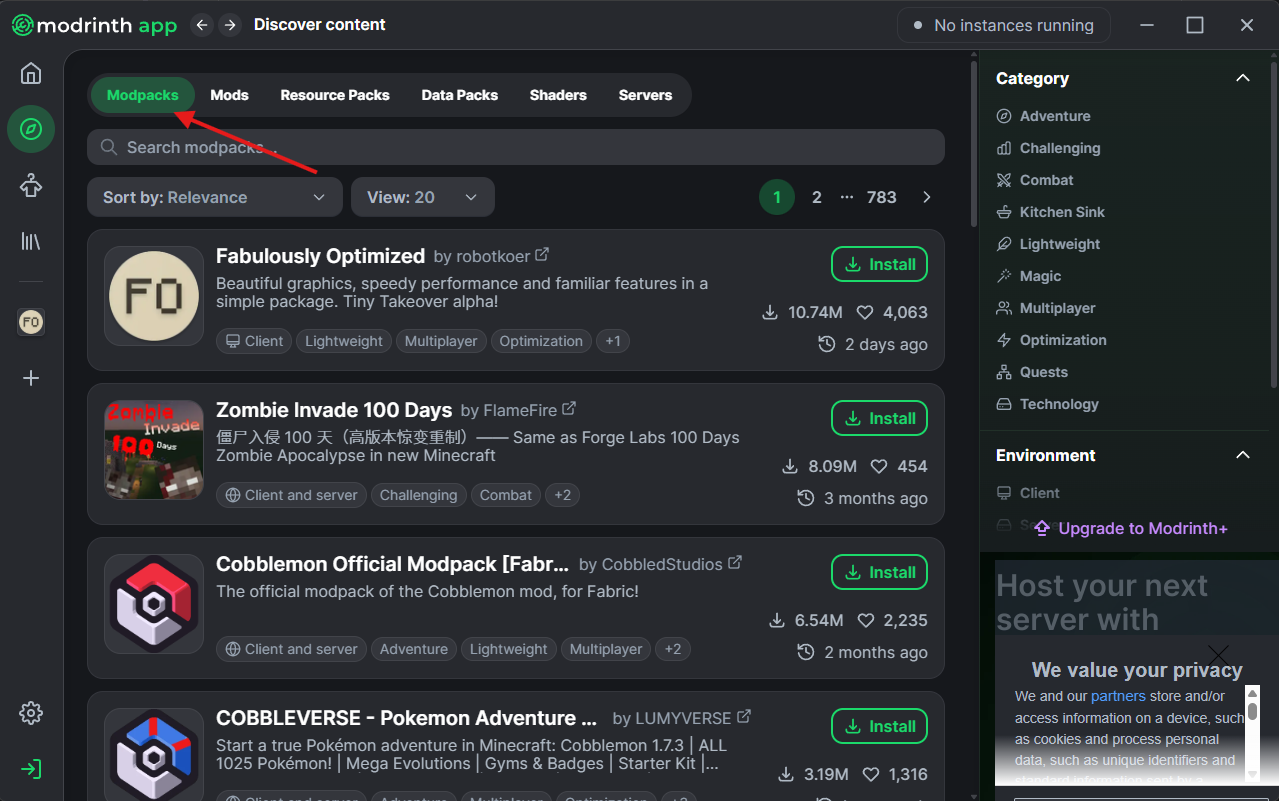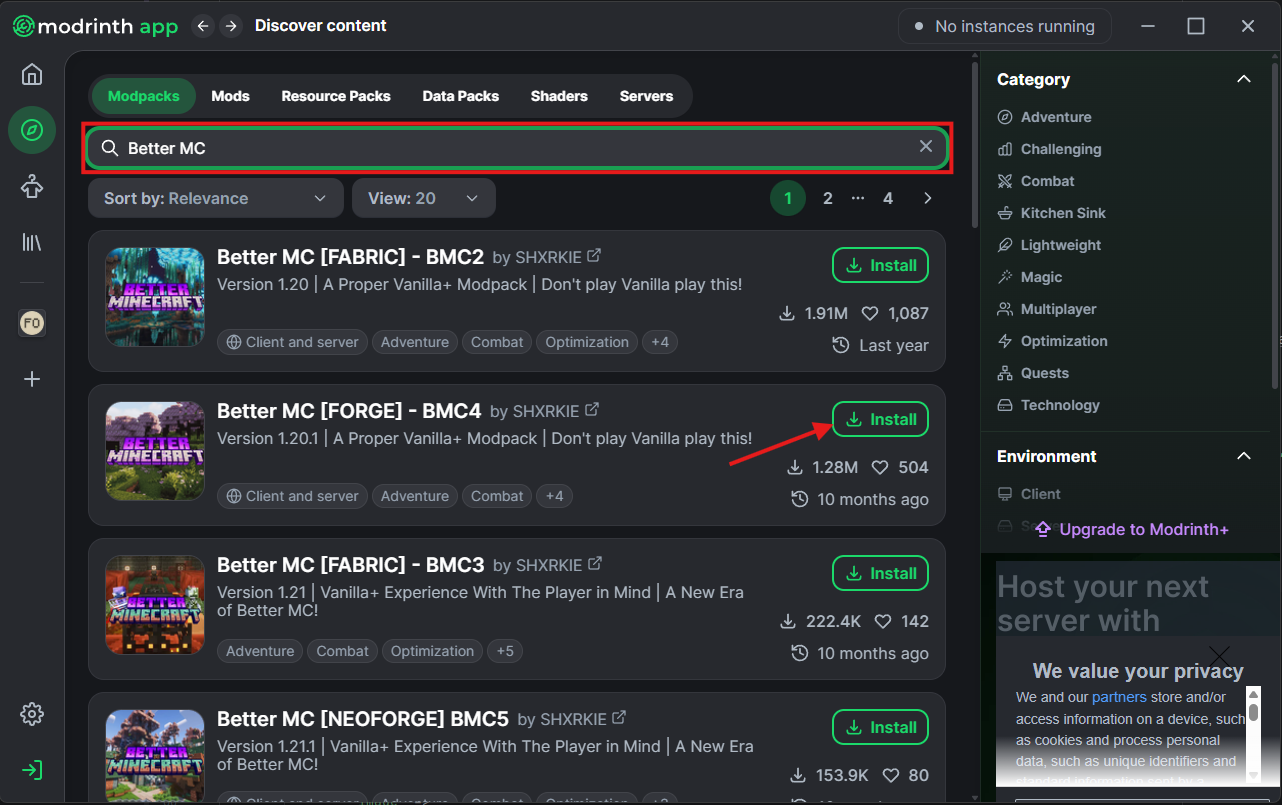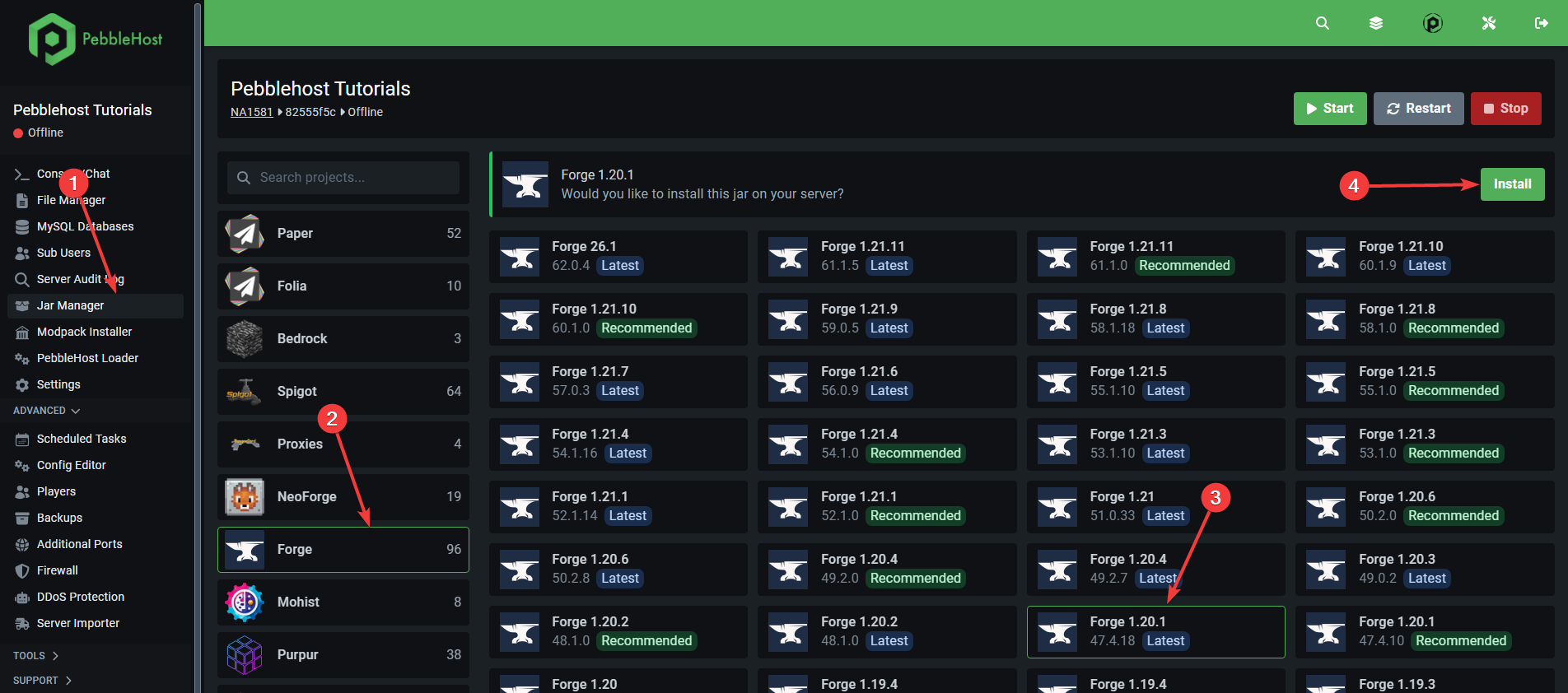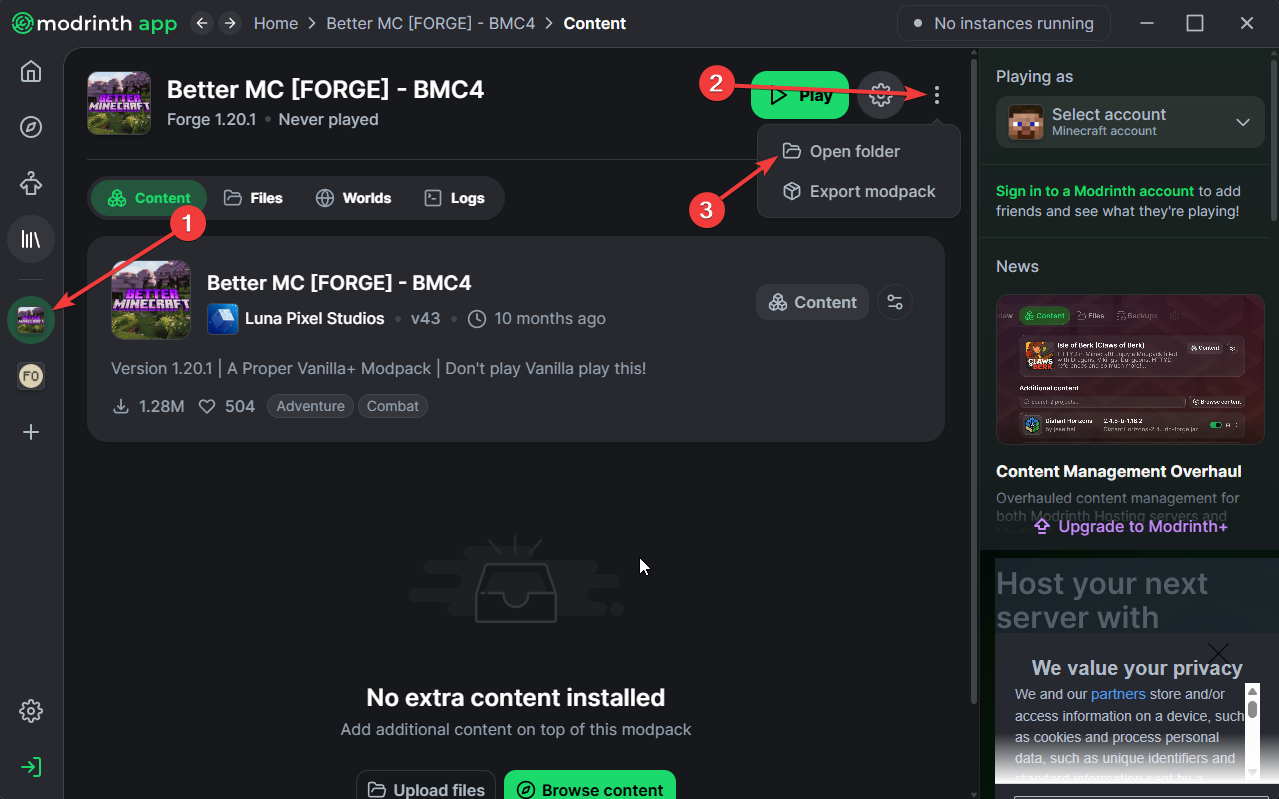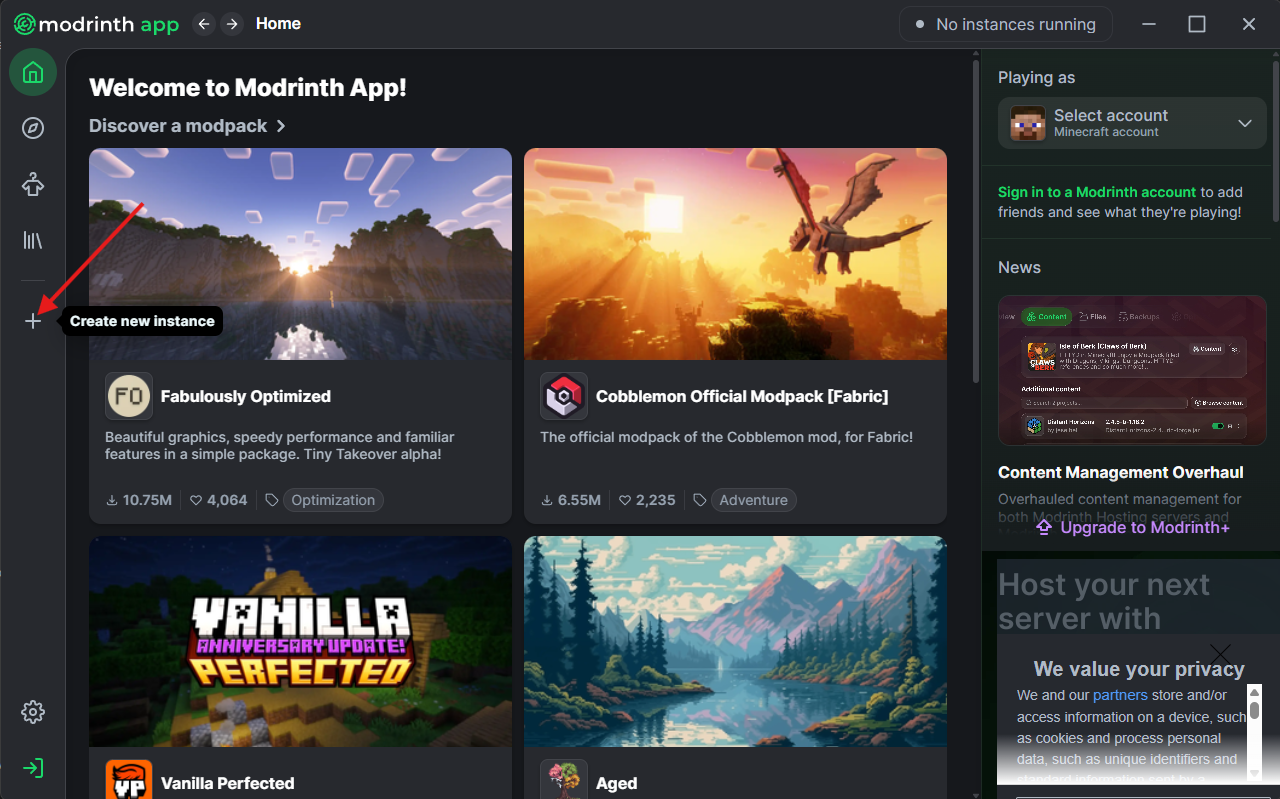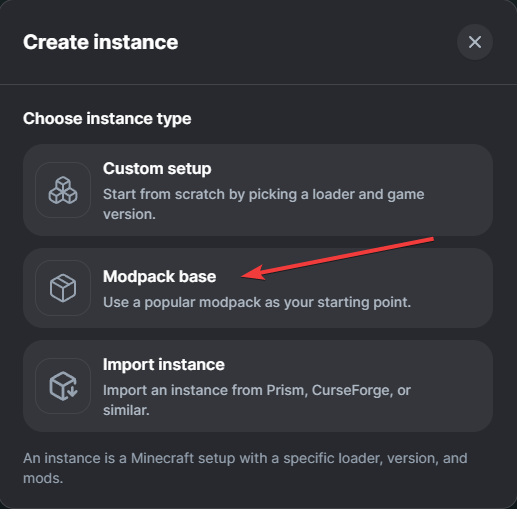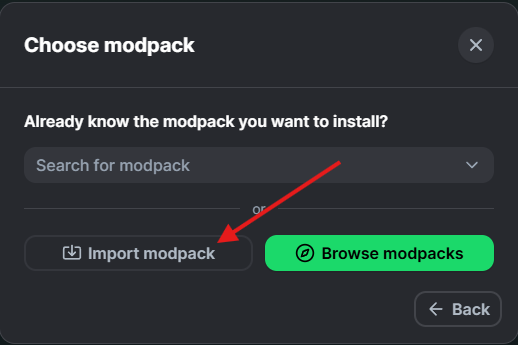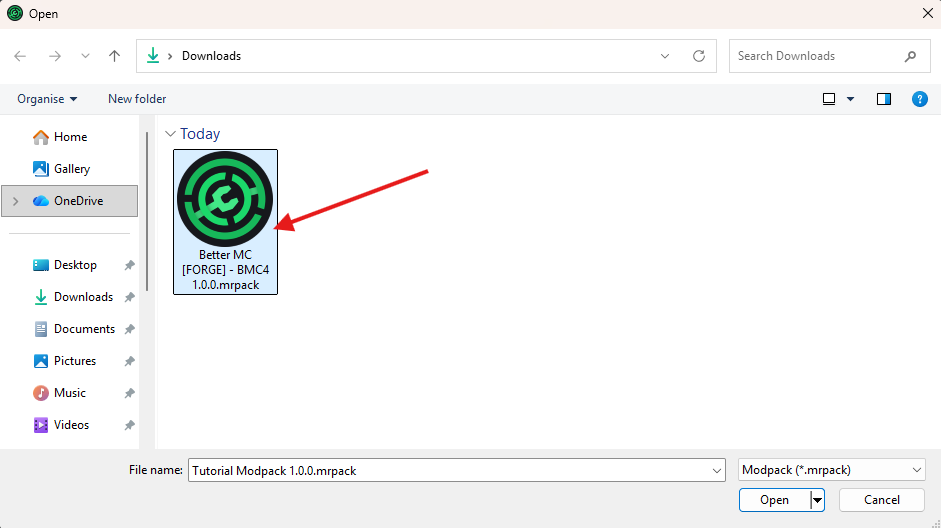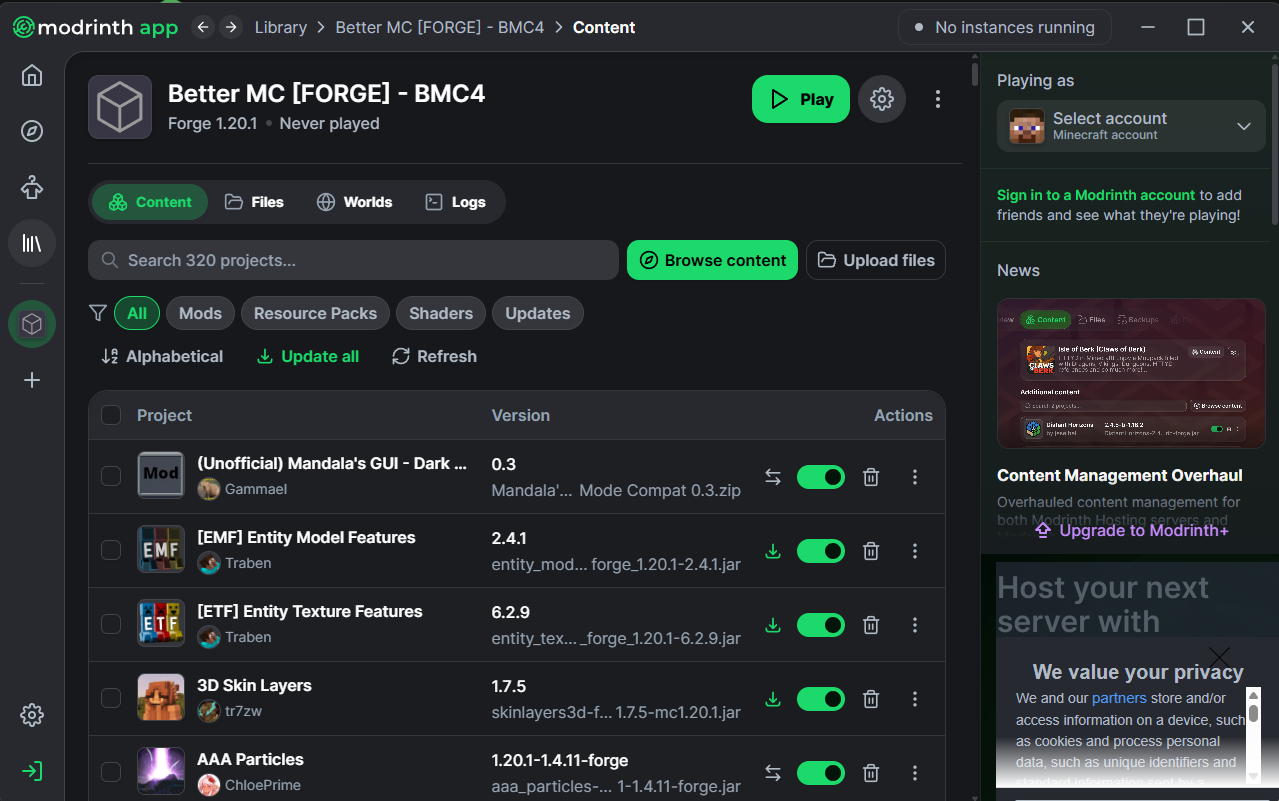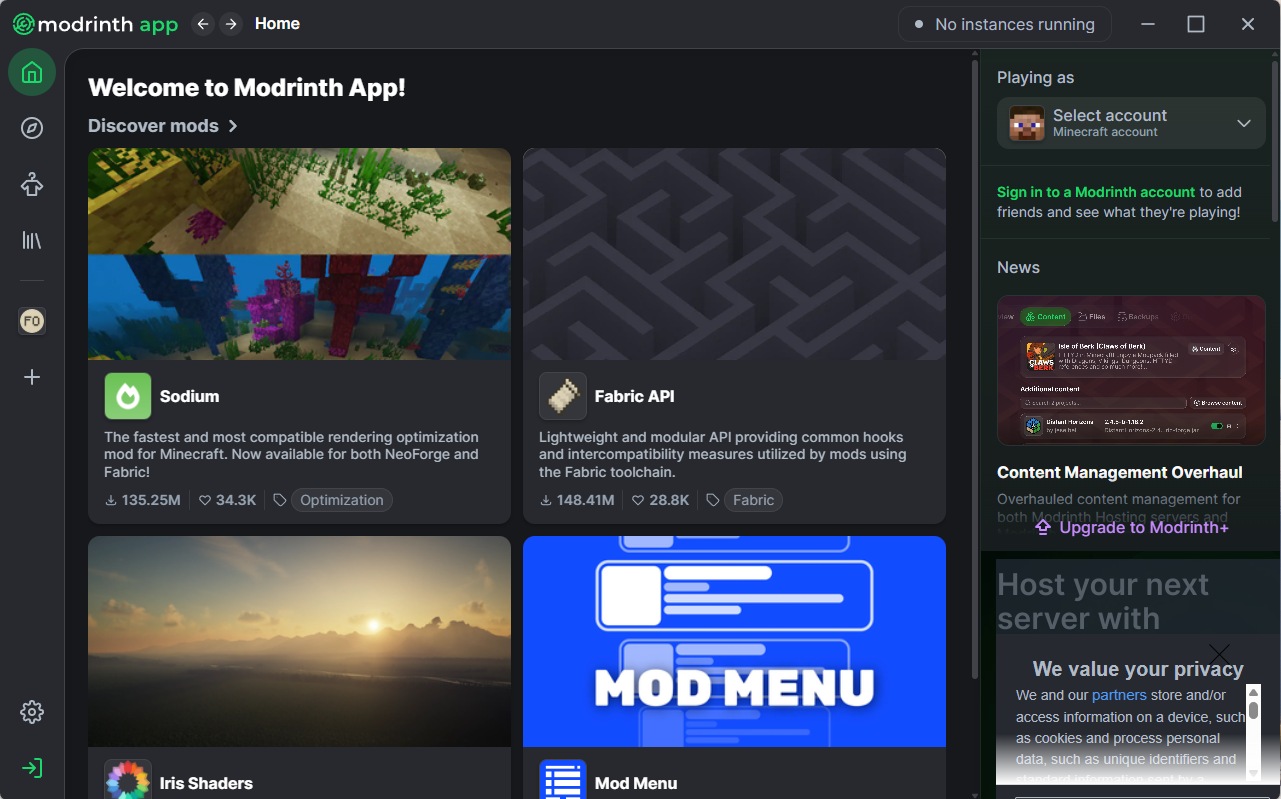
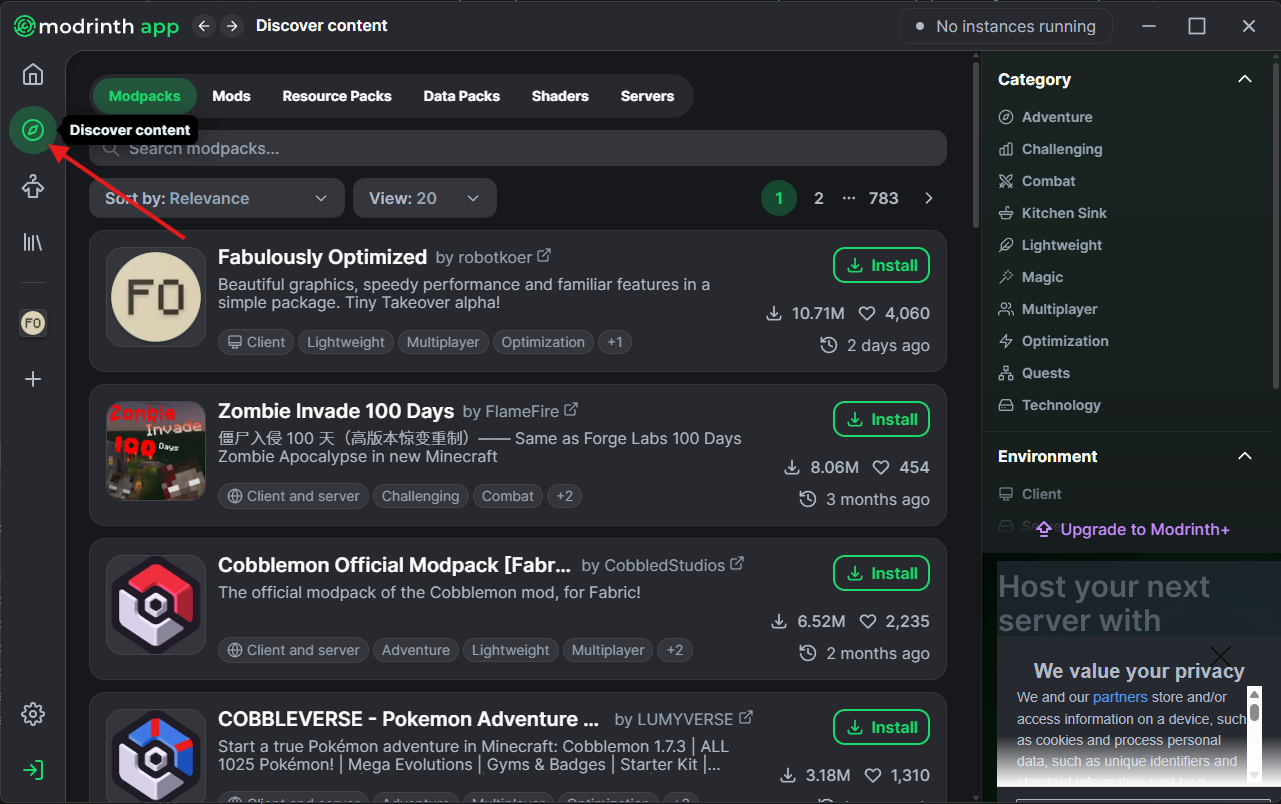
Step 1: Open up the Modrinth app
If you already have a Modpack downloaded, or have made a custom one, just skip straight to step 5!
Learn how to install a Modrinth modpack on both your client and server with this simple step-by-step guide.
We’ll walk you through importing the modpack into your Modrinth app, setting it up for singleplayer or multiplayer, and correctly installing it on your server so everything runs smoothly.
Whether you're playing solo or with friends, this guide ensures your modpack is configured properly and ready to go.
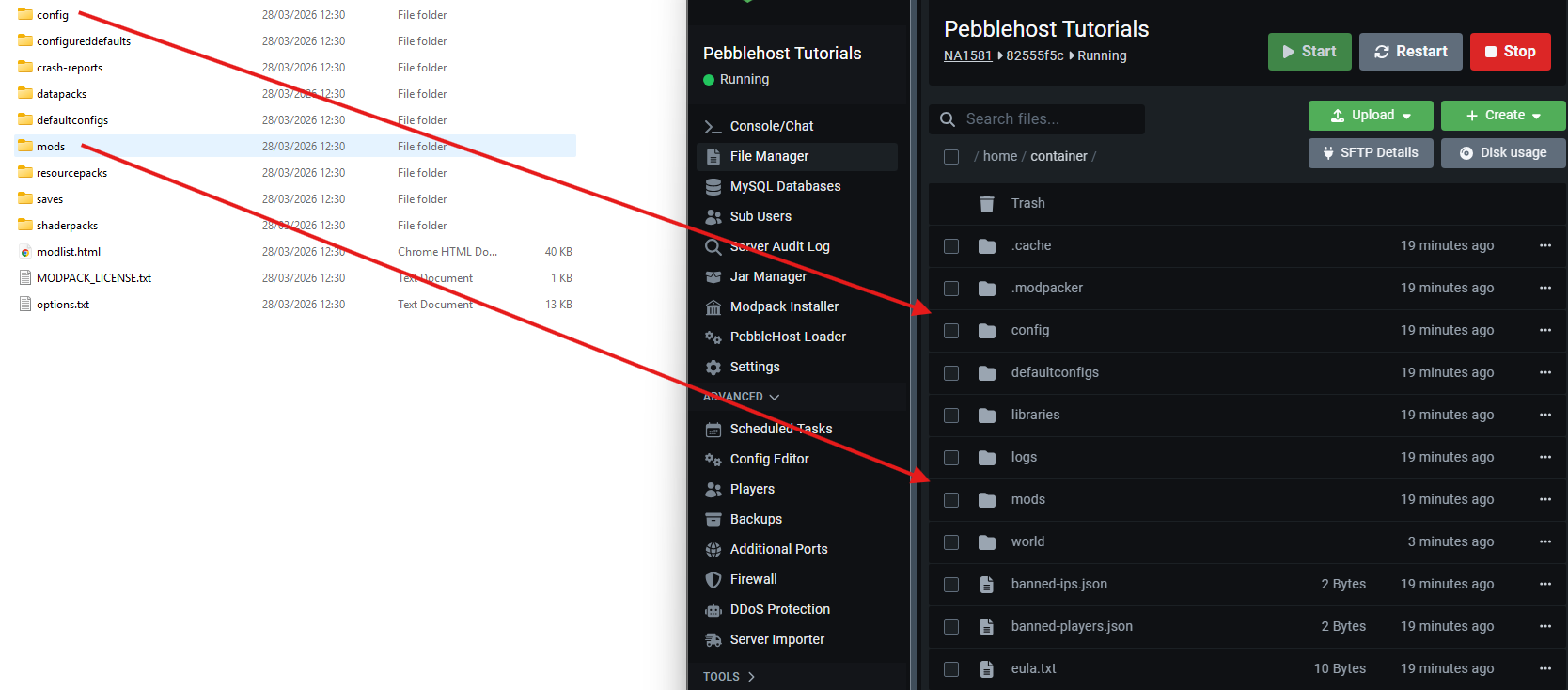
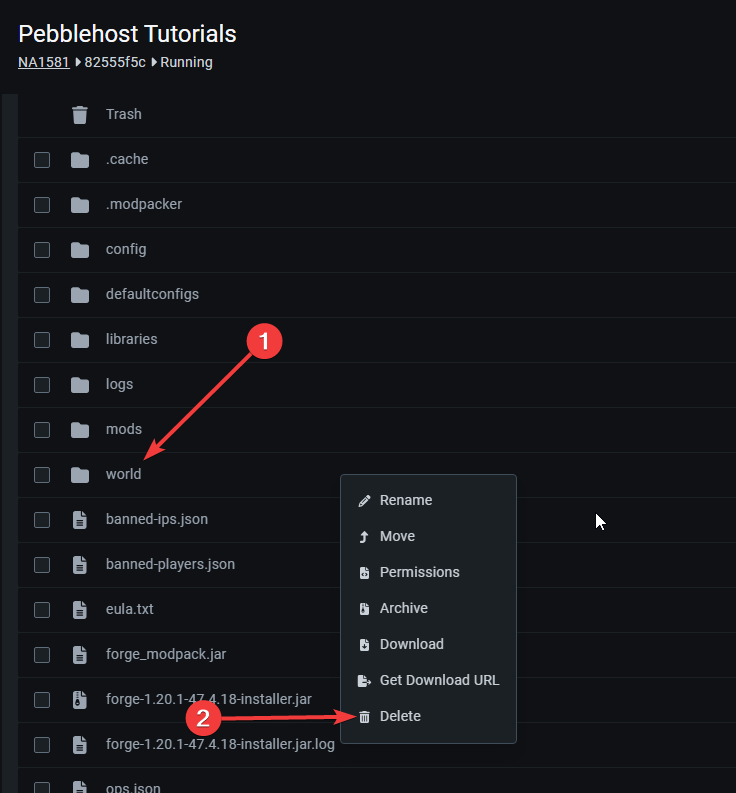
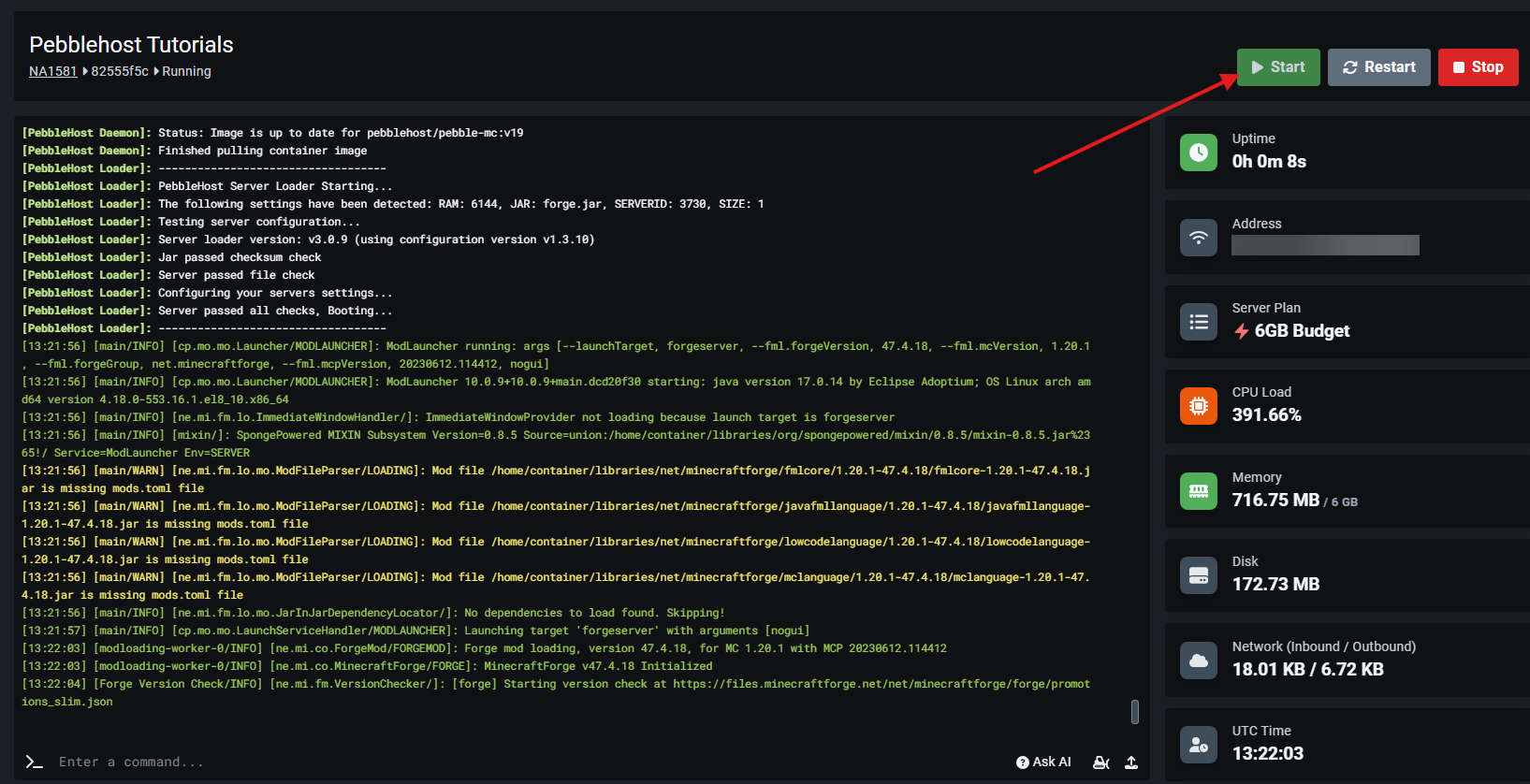
1. Installing onto a server
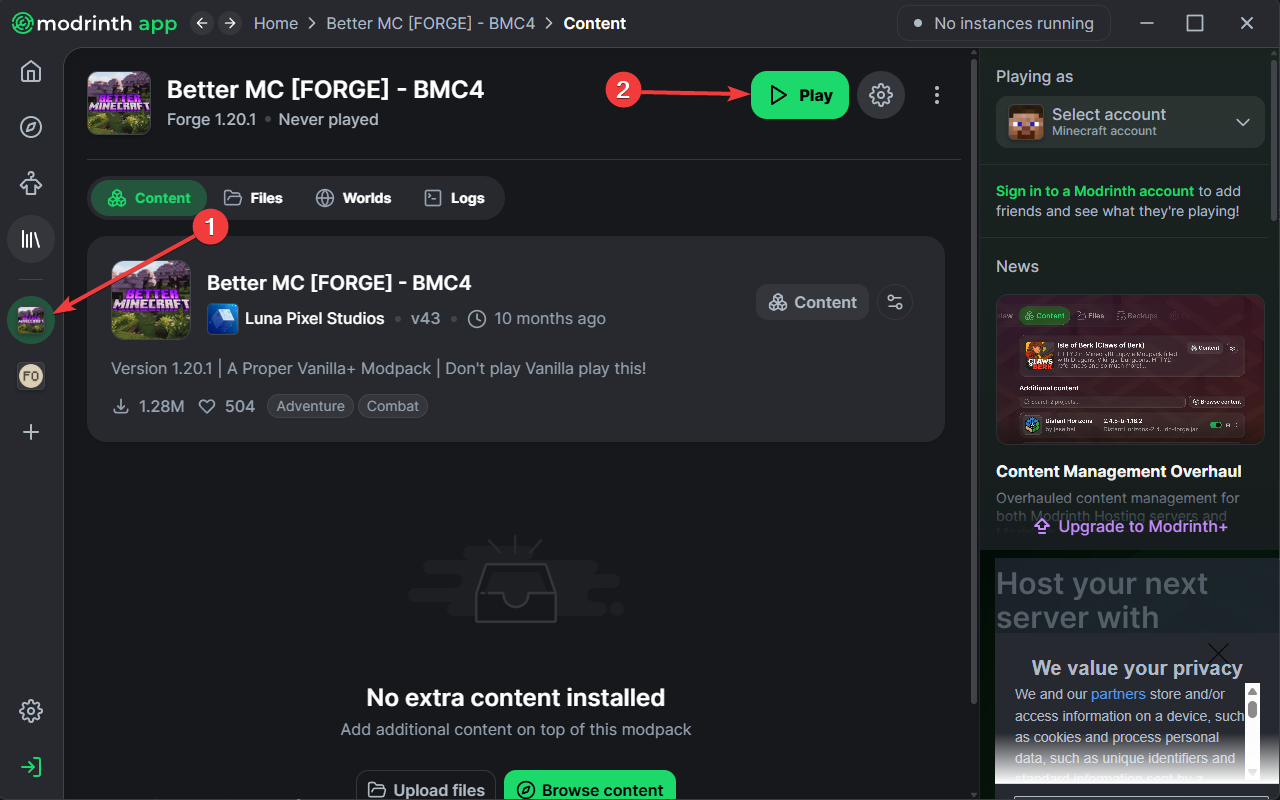
2. Installing onto your client
3. Installing using a .mrpack file
Set up your Modrinth modpack on a server quickly and correctly with this step-by-step guide. We’ll show you how to install the modpack files, configure your server, and ensure everything runs smoothly so you can start playing with others without issues.
Install your Modrinth modpack on the client quickly and easily with this step-by-step guide. We’ll walk you through importing the modpack into your launcher and getting everything set up so you can jump into the game without any hassle.
Sometimes modrinth modpacks are exported and sent to you as an .mrpack file. This guide show you how to install it to the Modrinth App if you're using a .mrpack file.
Each of these cards contains a link to a page that answers a commonly asked question about using Modrinth!
PebbleHost offers premium game server hosting for every type of Modrinth modpack! Enterprise hardware with AMD Ryzen™ 9 9900X CPUs, 99.99% uptime, and 72-Hour money-back guarantee.
View Minecraft Server Hosting